OJCLabs

Your CMS is slowing you down. Editors wait on developers. Pages load in 4 seconds. That's a system problem, not a content problem.

We move businesses off slow, editor-hostile CMS stacks onto Next.js + headless WordPress — fast pages, clean routing, multilingual support, and editors who can publish without opening a Slack thread to the dev team.

This is where slow publishing, weak route control, and brittle content operations get replaced with a durable web system built with stronger SEO and indexing foundations.

Measured outcomesSub-2sLoad time10×Publish speed3+Languages100%SEO-ready
Web systems architect beside open modular infrastructure with a clear copy field.

Your editors are opening tickets to change a headline

Content moves. The code stays stable.

If publishing a blog post requires a developer, your CMS is not a tool — it's a bottleneck. We build headless CMS systems where editors publish on their own, routing is clean, and the dev team stops getting pinged every time someone needs to update a page.

Build your website

Young multilingual content producer in a black hijab beside a three-route analog localization system.

Your French pages show up in Google. Your Arabic pages don't exist to it.

Every language needs to be set up the same right way.

If the setup underneath is wrong, Google ignores the page — no matter how good the translation is. That's usually why non-English pages get zero visitors from search, even when the content is solid. We fix that first. No point translating more pages until we do.

Fix your multi-language setup


Why your current CMS is costing you traffic and leads.

Overloaded legacy publishing machine representing technical debt in a traditional CMS.

Overview

Most businesses start with WordPress because it's quick to set up. The problem is the same plugins and themes that make it easy also make it slow over time. They pile up, they start conflicting with each other, and eventually the site gets sluggish and harder to maintain. That's why more businesses end up switching to something built differently.

Your site gets slower every year

Every plugin you add makes the site do more work behind the scenes, so pages load slower. A slow site loses visitors before they even see your page — and Google ranks slow sites lower too, so it costs you twice.

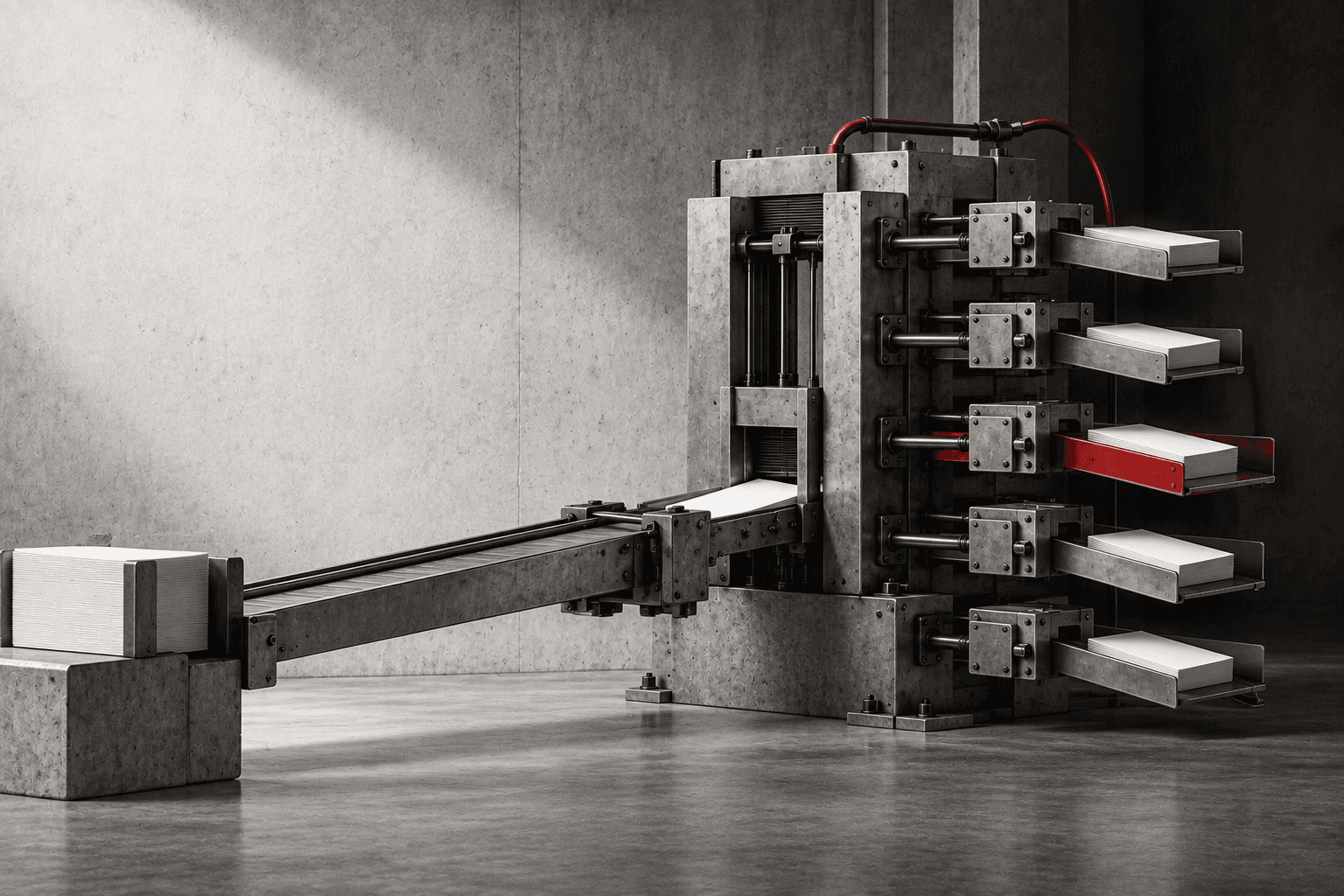
Mechanical performance track testing the speed and stability of a delivered web page.
Grid of connected modules representing structured data and semantic relationships.

Your search rankings quietly break themselves

SEO on WordPress usually depends on plugins stacked on top of plugins. Change a theme, update a plugin — and your rankings can drop without any warning, because something underneath broke and nobody noticed.

One weak spot can take down everything

Everything on a traditional CMS is bundled together, so one bad plugin can take down the whole site. Growing usually means more expensive hosting and more ongoing maintenance. Add a second language on top of that, and it gets messier still.

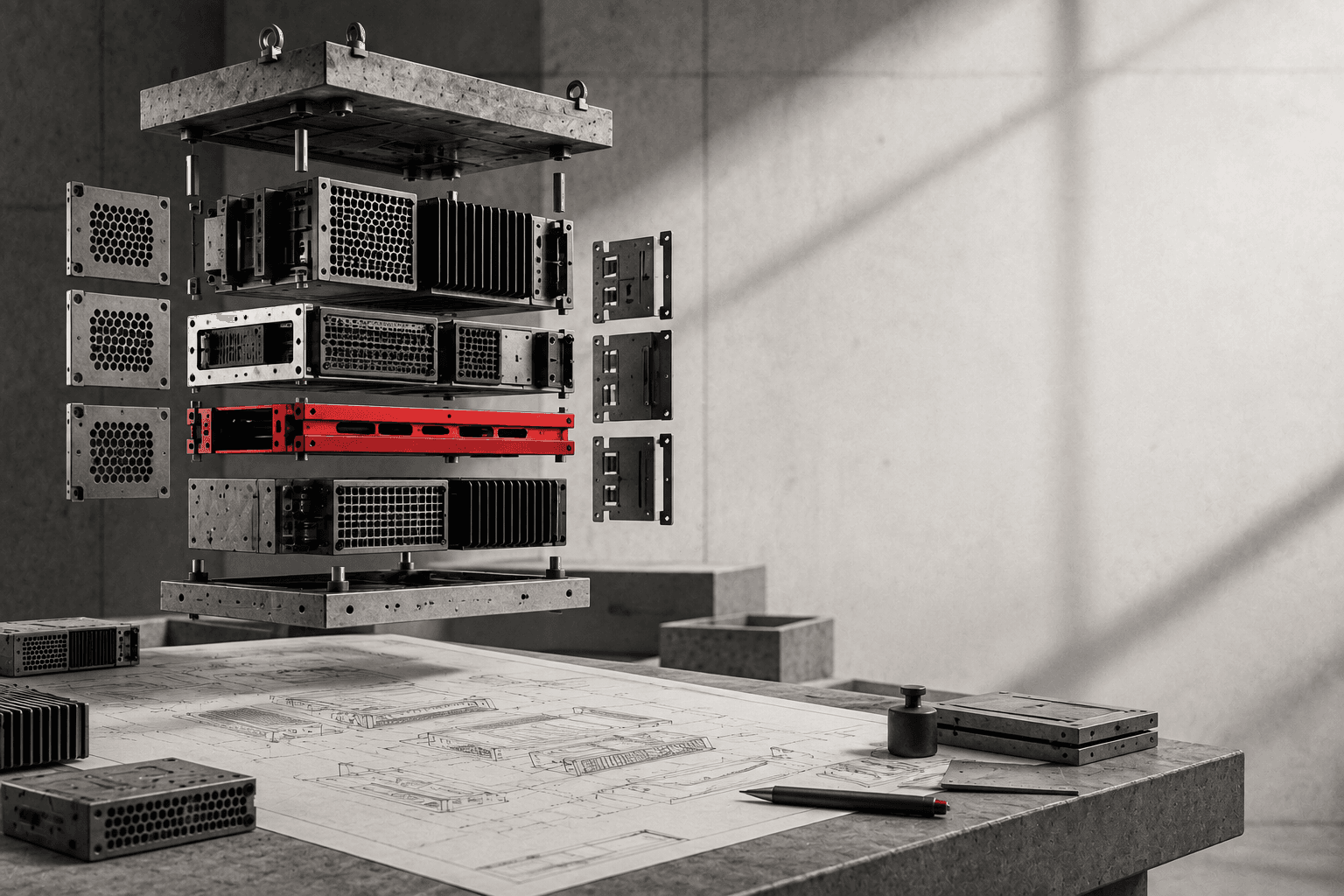
Modular CMS core inside an accessible maintenance bay with replaceable content cartridges.
Mechanical localization desk routing one source folio into multiple adapted page layouts and reading directions.

Every country you sell in is telling a different story.

One brand. Every market. No mixed signals.

If you sell in more than one country, chances are your websites are quietly working against each other — competing to show up for the same searches, confusing customers, and looking like a different company depending on where someone lands. Nobody planned it that way. It just happens when local teams and head office aren't on the same page. We fix that. You don't need to know how — that's what you're paying us for.

Build your website


How we rebuild it — and why it stays stable.

We separate the part your team uses to publish from the part visitors actually see. Your team keeps writing and publishing the way they already do. We make sure what visitors see is fast, well-built, and easy for Google to find — backed by real technical SEO and content operations that actually work.

Your team keeps their publishing tools

We set things up so your team can keep writing and publishing the way they always have, while developers control everything that affects speed and how the site looks. That split is what keeps it fast.

Built for speed and search, not plugins

We build the part visitors see with a modern toolkit made for speed and search visibility — not one that depends on a pile of plugins just to function.

Works with what you already have

Already on WordPress? You can usually keep the same publishing screen your team knows, while we replace what's slowing things down underneath. Starting fresh? We pick whatever setup actually fits how you publish.

For an example of this in practice, read our blog publishing automation breakdown.

Fast no matter where visitors are

We deliver your site from servers close to wherever your visitors actually are, so pages load fast whether someone's browsing from next door or across the world.

Every language set up correctly

We set up each language version the right way from the start, so people land on the correct one automatically — and each version actually shows up in Google, instead of just being a translated page nobody finds.

Start a diagnosticRead the headless migration case study →

Implementation Process

STEP 01
We find what's actually broken

We go through your current site and find exactly what's slowing it down, what Google can't find, and what's held together with duct tape.

STEP 02
We plan the fix

We map out how the new site should be built, based on what you actually need — not a generic template.

STEP 03
We set up how you'll publish

We set up how your team will actually create, organize, and publish content day to day.

STEP 04
We build what visitors see

We build the part of the site visitors actually see — fast, and built to look right on any device.

STEP 05
We make sure Google finds it

We make sure every page can actually be found, understood, and ranked correctly by Google.

STEP 06
We launch and keep watching

We launch it, then keep an eye on speed and uptime afterward so problems get caught before you notice them.


Business Impact

Pages load faster

A cleaner, better-built site loads faster. Visitors stick around instead of leaving, and Google ranks you better for it.

You rank better on Google

When the foundation underneath is solid, Google can actually find and understand your pages — which means better rankings without extra work on your end.

Publishing gets easier

Your team can publish across the website and other channels without friction, while developers keep the site running fast and looking right.

It grows with you

A properly built site can handle more content, more visitors, and more languages without turning into a maintenance headache. It grows with the business instead of fighting it.

Fix your website infrastructure

What we actually build with

The tools behind speed, publishing, and getting found on Google.

Next.js, for speed and search

It gives us tight control over how fast pages load and how well Google can read them — without needing a stack of plugins to get there.

WordPress, without the slow parts

If your team already knows WordPress, we can keep that publishing screen and just replace the slow front-end behind it. Less disruptive, same familiar tools.

Other publishing tools, when they fit better

Sometimes a different platform just suits how you publish better than WordPress does. We pick whatever actually fits, not whatever's trendy.

Servers close to your visitors

Your site loads from servers near wherever people are actually browsing from, so it stays fast and updates go out quickly without slowing the whole site down.

Everything Google needs, built in

The technical details that help Google find and rank your pages are built into the site from day one — not bolted on with a patchwork of plugins later.


FAQ

Frequently Asked Questions

  1. What is a CMS?

    It's the software you use to write, edit, and publish content on your website — like WordPress. WordPress runs a huge share of the web, but it tends to get slow and complicated as you add more plugins over time.

  2. What's a headless CMS?

    It's a setup where the tool your team uses to write and publish is kept separate from the part visitors actually see. That split is what makes the site faster and easier to keep fast as it grows.

  3. Next.js or WordPress — which one do I need?

    WordPress bundles everything together, so as your site grows, plugins slow it down and cost more to maintain. Next.js is built for speed and search visibility from the ground up. Paired together the right way, you get WordPress's familiar publishing screen with none of the slowdown.

  4. What does 'multilingual routing' actually mean?

    It's making sure each language version of your site is set up correctly — so visitors land on the right one automatically, and each version actually shows up when people search in that language.

  5. Why do websites get slower over time?

    Usually it's plugins piling up — each one adds extra code that slows the site down and can conflict with the others. Over time pages load slower and search rankings drop. Separating the publishing tool from the actual site fixes this.

  6. What do you mean by 'technical SEO'?

    It's all the behind-the-scenes stuff that helps Google actually find, understand, and rank your pages — how the site is built, how fast it loads, and whether the details Google looks for are set up correctly. Most sites get this wrong without knowing it.

FAQ supporting visual

Related systems

What comes next.

Infrastructure

A headless CMS is one layer of a broader infrastructure architecture built for speed, control, and long-term maintainability under load.

Headless website infrastructure →

Content Operating Systems

A CMS without an editorial workflow is just storage. A content operating system structures how content gets planned, produced, approved, and published at scale.

Content operating systems →

SEO and Indexing

A well-structured CMS makes technical SEO tractable — clean URLs, structured data, and metadata handled at the architecture level.

SEO and indexing systems →

Ready to Rebuild or Scale Your Website?

Whether you are dealing with plugin bloat, weak SEO foundations or multilingual complexity, OJC Labs can design a website infrastructure system built for speed, control and long-term growth. Related: technical infrastructure systems, SEO and indexing systems, content operating systems, and automation and data systems.

Response within 24–48 hours. No sales process.

    Headless CMS Development & Migration | OJC Labs