
Contact
Who is this person or company, and which information do we actually need to keep?

CRM SYSTEMS · INTEGRATION · AUTOMATION · EMAIL
OJC Labs connects your website, forms, advertising, email and messaging to the CRM your team uses, so every contact arrives with context, ownership and a clear next action.
We design CRM workflows, pipeline stages, automations and integrations around the way your team actually sells and follows customers.
Lead capture · CRM integration · Pipeline · Automation · Email · Reporting
CUSTOMER RELATIONSHIP MANAGEMENT
CRM stands for customer relationship management. In practice, a useful CRM system gives your team one place to understand who the contact is, where they came from, what has already happened and what should happen next.

Who is this person or company, and which information do we actually need to keep?
Which form, campaign, page, message or conversation brought them into the system?
Where are they in the commercial process: new enquiry, qualified opportunity, quotation, follow-up, won or lost?
Who owns the next action, and when does it need to happen?
The CRM becomes useful when these four pieces stay connected.
CRM OR SPREADSHEET
A spreadsheet can be enough when the volume is small and one person handles everything. It becomes harder when several people need to know who owns a lead, what happened previously, when to follow up or whether an opportunity has moved forward.
The point is not to install a CRM as early as possible. It is to introduce one when the commercial process has information worth organising.

CRM INTEGRATION
A CRM integration connects the systems where leads are created, conversations happen and commercial outcomes are recorded.
Website · Forms · Meta Ads · Google Ads · WhatsApp · Events · Manual sales entry
This is where the contact first enters the commercial process.
Contact · Company · Source · Owner · Stage · Opportunity · History
The CRM keeps the customer context and commercial status together.
Tasks · Calls · Email · WhatsApp · Meetings · Quotes · Reminders
The record determines which action needs to happen next.
Qualified · Quotation · Won · Lost · Revenue · Repeat customer
The workflow should eventually tell the business what happened, not only that a form was submitted.
WEBSITE + CRM
When someone submits a form, requests a quote, books a meeting or starts another useful action on the website, the relevant information can be sent into the CRM automatically.

Collect only the information the commercial process actually needs.
Create a new CRM record or update an existing contact when the matching logic supports it.
Keep useful source information such as the page, campaign or form that generated the enquiry.
Route the record to the right person, pipeline or team.
SALES PIPELINE
A CRM pipeline becomes useful when each stage corresponds to something your team can recognise and act on.

A contact has entered the system but has not yet been assessed.
The team checks whether the need, timing, budget or fit justifies commercial follow-up.
The opportunity meets the agreed criteria and should enter the active sales process.
The business has made a concrete commercial proposal.
A decision is pending and a defined next action is required.
The commercial outcome is known and can be used for reporting and future decisions.
Your stages may be different. OJC Labs maps them around the way your team actually sells.

CRM AUTOMATION
The useful automation is not “send more messages”. It is a rule that responds to a clear event in the customer workflow.
Form submitted · Lead assigned · Stage changed · Meeting booked · No activity for X days · Deal won
Source · Pipeline · Owner · Lead type · Customer status
Create task · Send email · Notify salesperson · Update field · Create follow-up · Send data to another system
Keep ownership, consent, timing and exception handling explicit.
Automate the repetitive action. Keep the commercial decision visible.
Explore Automation & Data → · Best n8n Workflows for Business Automation →
CUSTOMER COMMUNICATION

Email + CRM
Email becomes more useful when it knows where the customer is in the relationship. A CRM can provide the context that determines whether an email should be sent, to whom, and why.
OJC Labs can connect CRM records to email systems such as Brevo, Mailchimp or platform-native email tools where the agreed architecture supports it.

WhatsApp + CRM
A WhatsApp conversation should not disappear from the commercial process. Where the selected tools and WhatsApp Business integration allow it, messaging can be connected to the same customer workflow used for forms, email and sales follow-up.

CRM + ERP
When a sale moves from commercial follow-up into invoicing, stock, delivery or another operational process, CRM and ERP integration can prevent the team from re-entering the same information in several places.
CRM and ERP are not competing labels. They often own different stages of the same customer journey.
CRM TOOLS & PLATFORMS
OJC Labs can integrate established CRM, ERP and customer-management platforms where the selected product, edition and available API support the required workflow.
Useful for organisations that need structured lead, contact, opportunity and account management with extensive automation and integration possibilities.
OJC integration areasCombines CRM records with marketing, forms, pipeline management and communication tools inside a closely connected ecosystem.
OJC integration areasFits organisations already operating inside the Microsoft business ecosystem or requiring more structured sales and customer processes.
OJC integration areasA flexible CRM option for teams that need contact, deal and workflow management without necessarily moving into a larger enterprise platform.
OJC integration areasStrongly pipeline-oriented and useful when the commercial process needs clear deal stages, activities and ownership.
OJC integration areasSage is often closer to accounting, ERP or operational workflows than a pure sales CRM. OJC Labs can connect Sage data to the commercial workflow when the relevant Sage product and integration methods support it.
OJC integration areasOdoo can combine CRM with sales, invoicing, inventory, e-commerce and other operational applications inside the same ERP ecosystem.
OJC integration areasBrevo, Mailchimp and similar tools may sit beside the CRM as the communication layer rather than replace the central customer record.
OJC integration areasCHOOSING A CRM
Platform capability matters, but complexity has a cost. A five-person business with one pipeline does not necessarily need the same CRM system as a company connecting sales, ERP, customer service and several markets.
Lightweight follow-up
Good whenPossible category: Pipedrive · HubSpot · Zoho or similar
Connected commercial system
Good whenPossible category: HubSpot · Zoho · Dynamics · Salesforce or other capable CRM
CRM + operational stack
Good whenPossible ecosystem: Dynamics 365 · Salesforce + operational systems · Odoo · Sage-connected workflows
OJC Labs starts with the workflow, then determines which CRM architecture can support it.

OJC LABS / REAL WORK
Lead acquisition and follow-up. The value was not only generating conversations. The acquisition source, lead capture and follow-up workflow had to remain connected enough for the team to act on the demand.
View the PMJ case study →The AWENE case study documents a bilingual coaching platform whose registration experience and Brevo email integration were implemented as part of the customer journey.
Read the AWENE platform case study →CRM DATA
CRM automation becomes unreliable when the underlying records are inconsistent.
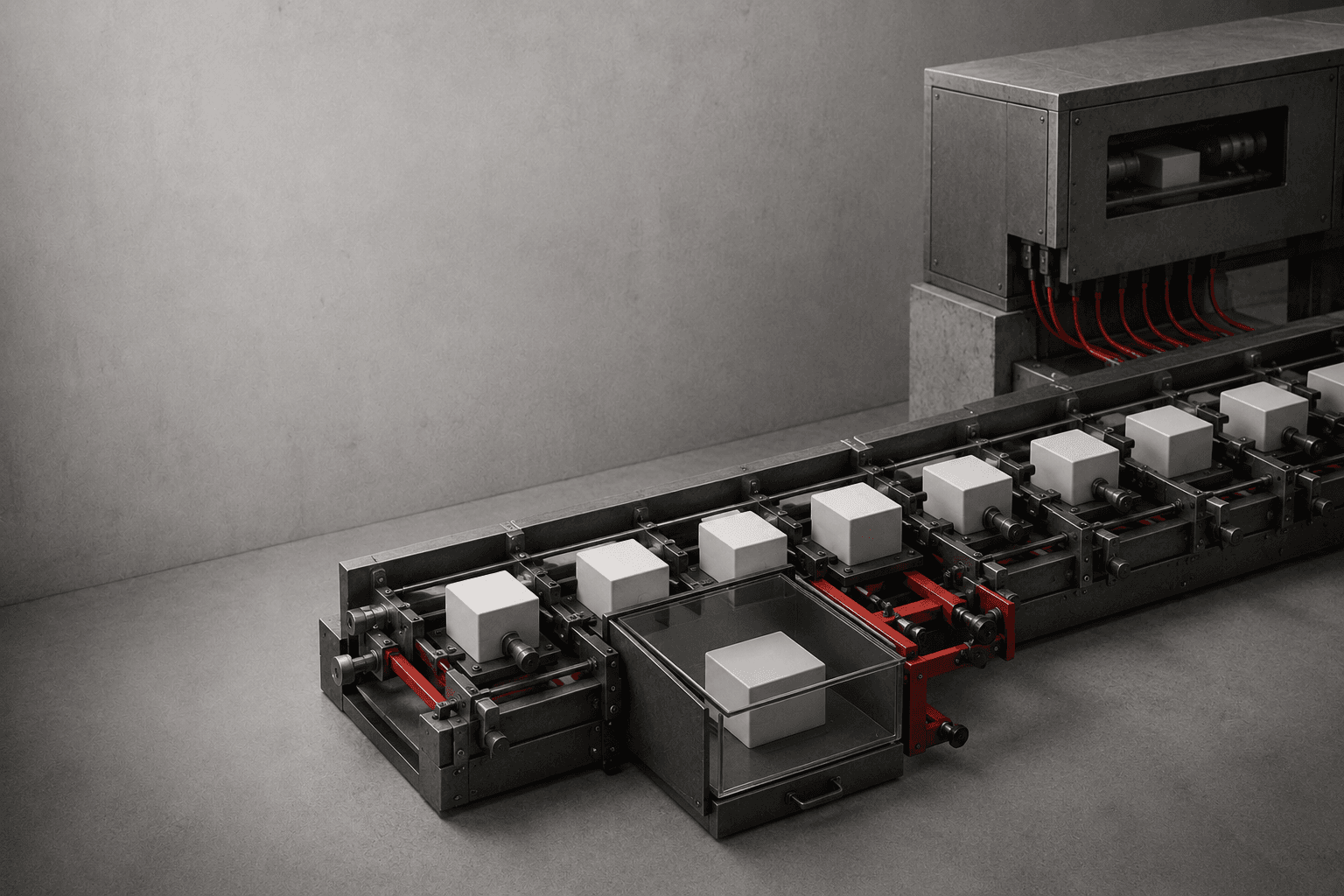
The same person appears several times and different workflows act on different records.
The team cannot tell whether the lead came from a form, ad, referral or manual entry.
The CRM knows the contact exists but nobody is clearly responsible for the next action.
The pipeline says one thing while the actual commercial situation has already changed.
Before adding more automation, OJC Labs checks whether the data needed by the automation can be trusted.

CRM REPORTING
Where useful opportunities originate.
How many incoming leads become commercially relevant.
Where opportunities progress or disappear.
How quickly a new enquiry receives the first meaningful action.
Which sources, pipelines or activities eventually produce revenue or another agreed result.
CRM reporting should connect acquisition to commercial outcomes, not reward the team for collecting more rows.
AI + CRM
AI can help summarise conversations, classify enquiries, enrich information, draft follow-ups or suggest a next action. The CRM still needs to keep the underlying customer, pipeline and ownership data consistent.
Use AI to reduce work around the record, not to make the record unreliable.
IMPLEMENTATION PROCESS
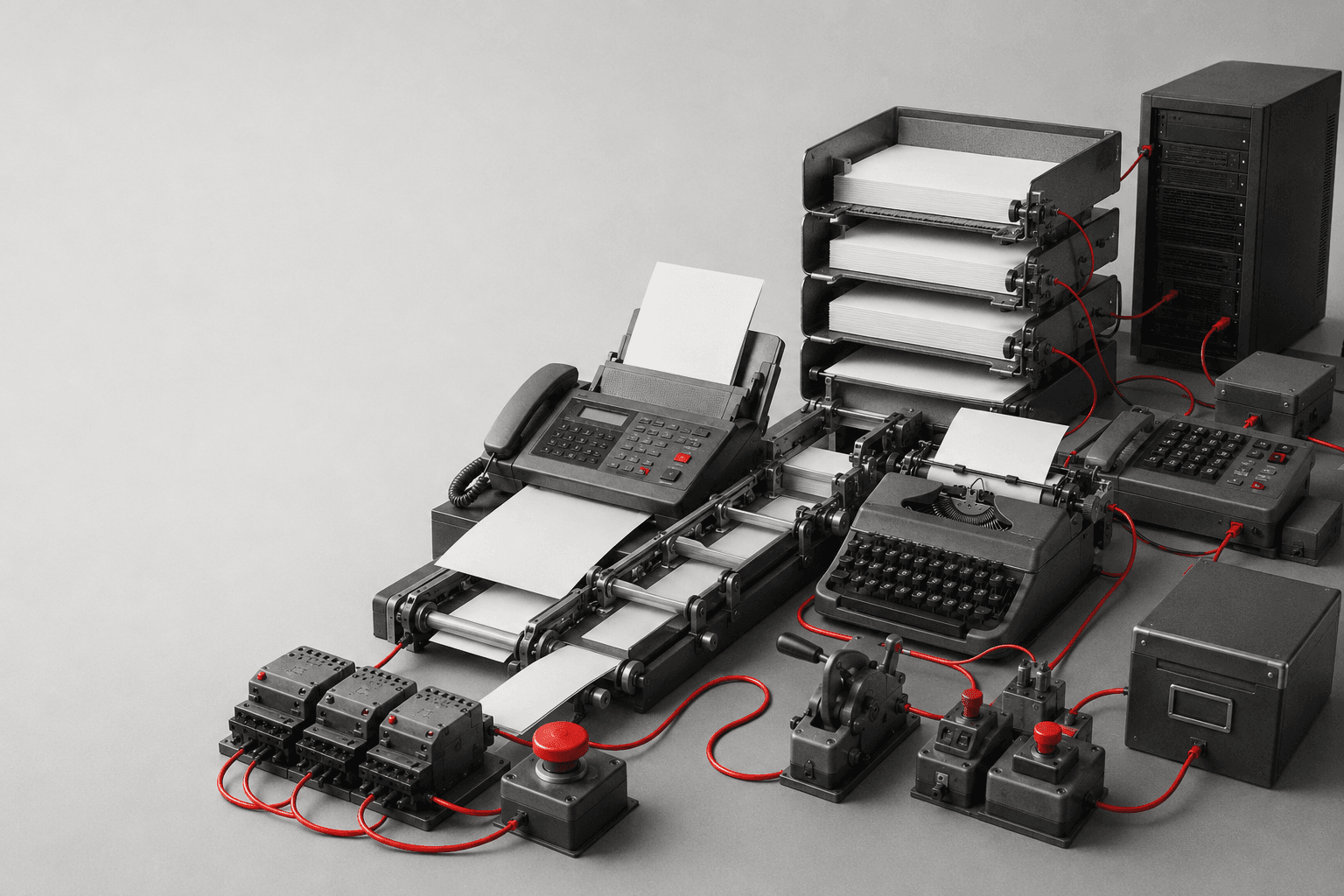
Identify where contacts enter, what information is available and which team needs it.
Agree the records, fields, stages, owners and commercial outcomes the system needs.
Connect the website, forms, email, messaging, ads or operational systems included in scope.
Add the repetitive actions that can safely follow clear triggers and conditions.
Test records, assignments, stage changes, notifications and integrations with realistic scenarios.
Document the workflow and make responsibilities clear to the team operating it.
PROJECT INPUTS
You do not need to arrive with a workflow diagram or a list of API endpoints. We can start from how enquiries currently arrive and how your team follows them today.
Website, email, spreadsheets, CRM, ERP, WhatsApp and any other system involved.
What happens from first enquiry to a useful business outcome.
Who responds, qualifies, follows up and closes.
Where information is lost, duplicated, delayed or manually re-entered.
We translate that operating reality into the system architecture.
CONNECTED SYSTEMS
Carry useful campaign and source context into the lead record and return downstream outcomes where the architecture supports it.
Explore Ads & Tracking →Connect forms, bookings and other website actions directly to the customer workflow.
Explore Web & CMS →Connect WhatsApp and other supported messaging channels to qualification and follow-up.
Explore Messaging →Move records and actions between CRM, ERP, email and operational tools.
Explore Automation & Data →FIELD NOTES
Follow-up
Diagnose where and why useful demand stops moving after a lead enters the pipeline.
Read the guide →Attribution
Understand what attribution can explain and where the CRM record becomes the deciding evidence.
Read the guide →Tracking
Find where CRM outcomes and advertising-platform conversions disagree, and why.
Read the guide →Automation
Choose model reasoning or deterministic workflow logic for the CRM automation task at hand.
Read the guide →PLATFORM DOCUMENTATION
OJC Labs designs against the actual APIs, webhooks and access available in the selected stack.
FAQ
A CRM, or customer relationship management system, keeps customer and commercial information together: contacts, history, ownership, pipeline stages, activities and follow-up.
It depends on the commercial process, team size, integrations and reporting requirements. OJC Labs starts with the workflow before recommending or integrating a platform.
A spreadsheet can store customer data, but it does not automatically provide pipeline stages, ownership, activity history, tasks, automation or integrations. For a very small process it may still be sufficient.
CRM primarily manages customer and commercial relationships. ERP usually manages operational areas such as finance, inventory, purchasing or fulfilment. Many businesses benefit from connecting the two.
Potentially, yes. We first verify the platform, edition, APIs, permissions and exact workflow required.
Yes, when the website and CRM expose the required integration methods. Forms, enquiries, bookings and other actions can be routed into the CRM according to the agreed workflow.
Yes in supported architectures using the appropriate WhatsApp Business tools and CRM integration method. The available workflow depends on the products and permissions involved.
Yes. CRM data can be used to support segmentation, lifecycle communication and workflow triggers when the chosen CRM and email platform support the required integration.
Yes where compatible APIs or integration methods are available. OJC Labs has worked on workflows where commercial information needs to connect with operational systems rather than remain isolated.
No. AI can assist with classification, summaries, drafting, enrichment and routing, but the business still needs a reliable system of record for customer identity, history, ownership and commercial status.
NEXT STEP
Show us how enquiries arrive today, which tools your team uses and where information gets lost. OJC Labs can map the workflow, connect the systems and automate the repetitive parts.