
Trigger
What starts the process?
Form submitted · order created · email received · CRM stage changed · scheduled job · webhook

BUSINESS AUTOMATION · N8N · API INTEGRATION · AI AGENTS
OJC Labs designs business automation systems that connect your existing tools, move data between them and handle repetitive actions without turning every business decision into an AI experiment.
We use deterministic workflows where the rules are clear, AI where interpretation is genuinely useful, and human approval wherever the consequence deserves one.
n8n · APIs · CRM · Databases · AI · Human approval
AUTOMATION STARTS WITH THE PROCESS
A useful automation has a repeatable starting point, known inputs, clear decisions, defined actions and an owner when something goes wrong.
Choosing n8n, Make, Zapier or an AI-agent framework before mapping that process usually creates a more sophisticated version of the same confusion.
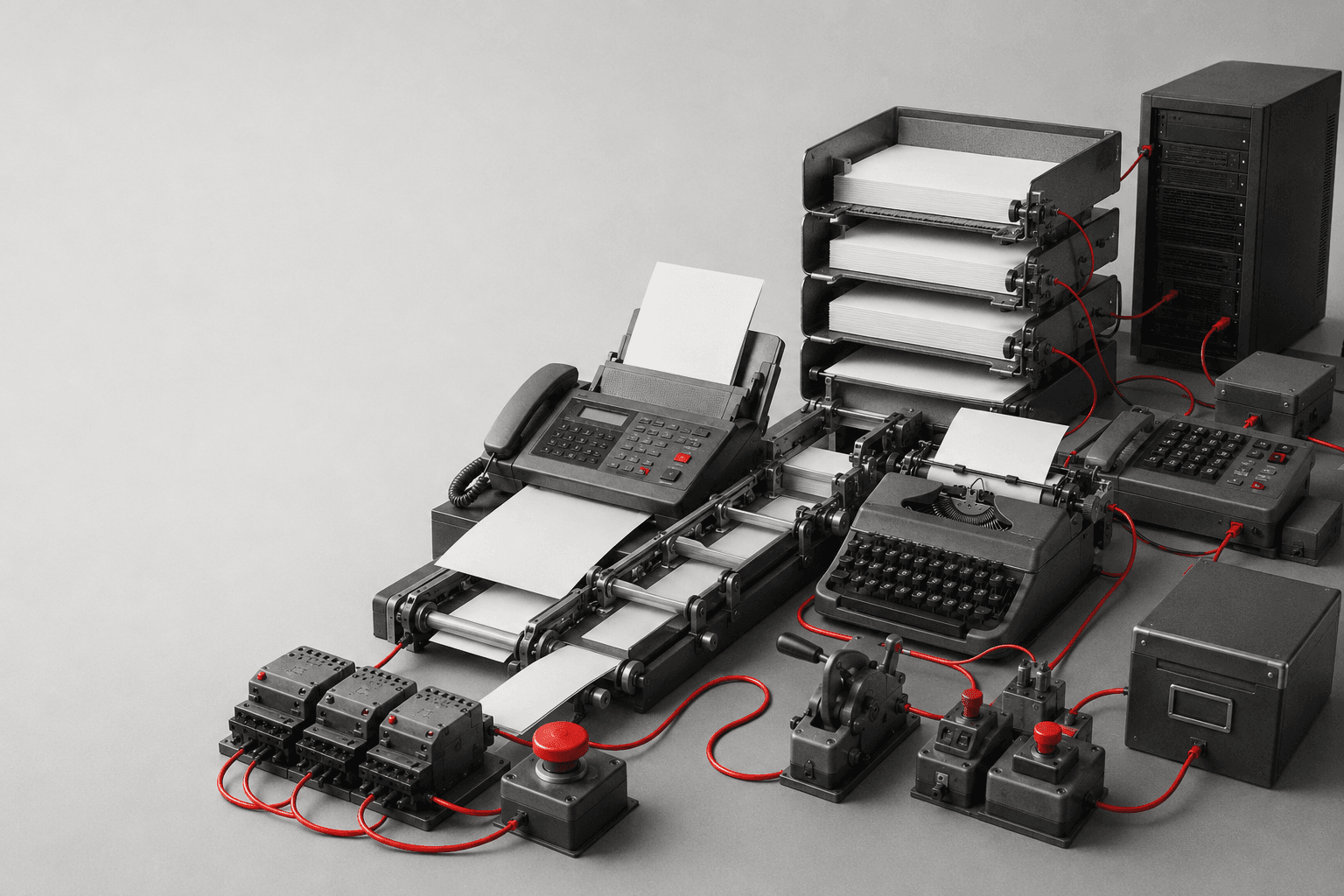
What starts the process?
Form submitted · order created · email received · CRM stage changed · scheduled job · webhook
What information does the process need?
Customer record · order · document · CRM fields · product data · message
Which rules or interpretations determine what happens next?
Status · amount · owner · category · qualification · confidence
What should the system actually do?
Create · update · notify · send · enrich · assign · publish · synchronise
What happens when the expected path breaks?
Retry · queue · request approval · notify owner · stop safely
If these five pieces are unclear, another automation tool will not fix the process.
CHOOSE THE RIGHT EXECUTION MODEL
The architecture should match the uncertainty of the work.
A predefined sequence where triggers, rules and actions can be described in advance.
Use whenA new lead enters the CRM → source is recorded → owner is assigned → notification is sent → follow-up task is created.
Best-fit toolsn8n · Make · Zapier · Power Automate
Use determinism when determinism is enough.
The workflow remains deterministic, but one bounded step uses an AI model for interpretation or generation.
Use whenEmail arrives → workflow extracts the text → AI classifies the request → deterministic rules route it to the correct team.
AI solves the ambiguous step. It does not need to own the whole process.
A model receives instructions and a set of permitted tools, then decides which tool or sequence of tools to use for the current task.
Use whenA support agent reads a request, checks the order system, searches the knowledge base and decides whether to answer or escalate.
The agent chooses among allowed actions. It should not invent new authority.
OpenAI Agents SDK — Agents and tools →Automation interacts with software through its user interface when a reliable API or integration is unavailable.
Use whenOpen legacy software → find customer → export report → save file → continue workflow.
Interface automation is usually more fragile than an API integration because layouts, authentication and UI states can change.
API first. RPA when the interface is genuinely the only practical route.
Use the least autonomous architecture that can reliably solve the problem.
AI AGENTS · WITHOUT THE THEATRE
It is software operating with instructions, context and permitted tools.
If someone says “my agent made £50,000”, the missing question is what actually caused the revenue.
A Stripe screenshot plus an n8n canvas is not a causal model.
Agents can create leverage. They do not suspend attribution.
What is the agent supposed to achieve and what must it never do?
What information may it use for the current decision?
Which APIs, databases, workflows or external systems may it call?
What does the system need to remember between actions?
Which inputs, outputs or tool calls must be checked or blocked?
Which decisions require approval, escalation or review?
OpenAI Agents SDK — Agents, tools, guardrails and human approval →
SAME BUSINESS PROBLEM · DIFFERENT ARCHITECTURE
Example: an incoming sales enquiry.
Website form submitted
ThenNo agent required.
Complex free-text enquiry submitted
ThenThe AI handles interpretation. The workflow still owns the record and the side effects.

AGENT TOOLS
The model itself does not contain your CRM, inventory, inbox or database. Those capabilities have to be exposed as tools.
Search API · vector search · knowledge base · documentation
Finding information before deciding.
HubSpot · Salesforce · Pipedrive · Zoho · Odoo
Reading or updating contacts, deals, stages and tasks.
Email · Slack · Teams · WhatsApp Business
Sending messages, requesting approval or escalating work.
Supabase · PostgreSQL
State, records, audit history, queues and application data.
Sage · Odoo · Shopify · WooCommerce · custom ERP
Orders, customers, stock, invoices or operational records.
Internal API · vendor API · webhook · MCP tool
Capabilities that do not exist inside a standard connector.
An agent does not “know your business tools”. Someone has to design the interfaces, permissions and failure paths that make those tools safe to call.
TOOLS & MCP
Model Context Protocol can expose tools and resources through a standard interface so compatible agent systems can discover and call them.
That solves part of the connection problem. You still need authentication, permissions, validation, logging and control over side effects.
Protocol is not governance.
TOOLS WE CAN BUILD WITH
OJC Labs is not tied to one automation platform. We choose based on integrations, control, hosting, complexity, maintainability and the systems already used by the business.
n8n
OJC DEFAULT FOR MANY CONNECTED WORKFLOWSA strong fit when the system needs webhooks, APIs, branching, transformations, code, AI steps and several connected services inside one workflow.
Good whenCRM sync · content pipelines · server-side events · enrichment · notifications · multi-system orchestration
n8n documentation →Make
Useful for visual SaaS integrations where the required applications already have solid modules and the workflow can be expressed cleanly as scenarios.
Good whenCurrent Make AI Agents can use modules, scenarios and MCP tools as agent tools.
Make Developer Hub →Zapier
Useful for straightforward application-to-application workflows where speed and connector coverage matter more than deep custom orchestration.
Good whenPower Automate
Often a logical choice when Microsoft 365, Teams, SharePoint, Outlook, Dynamics or other Microsoft systems already dominate the organisation.
Good whenCustom agent runtime
Useful when the agent itself is part of a custom product or when tool use, handoffs, approvals, state and business logic need tighter control than a visual workflow platform provides.
Good whenOpenAI Agents SDK · application code · custom APIs
OpenAI Agents SDK →Supabase / PostgreSQL
Not an automation builder. Often the useful data layer underneath one.
Good whenA workflow engine moves work. A database remembers what happened.
Supabase documentation →
DATA ARCHITECTURE
Before synchronising data, define which system is authoritative for each object.
Possible owner
CRM
Possible owner
E-commerce platform / ERP
Possible owner
ERP / inventory system
Possible owner
CMS
Possible owner
Database / workflow platform
Possible owner
Measurement pipeline
Synchronisation should move the information other systems need without creating several competing versions of the same truth.

FAILURE IS PART OF THE WORKFLOW
Production automation needs to define what happens when an API is unavailable, a record is incomplete, a model gives an uncertain answer or the destination rejects the update.
Can the action safely run again?
Will retrying create a duplicate order, contact or message?
Can the work wait safely until the dependency recovers?
How long should an external service be allowed to block the workflow?
Who needs to know when automation cannot continue?
Can we reconstruct what the system attempted and why?
If nobody designed the failure path, the workflow is still a prototype.
HUMAN IN THE LOOP
The right question is not “Can AI do this?” It is “What happens if it is wrong?”
AUTOMATION BY INDUSTRY
Do not sell a restaurant, an industrial company, an e-commerce store and a professional-services firm the same “AI agent”.
B2B sales & industry
Leads arrive from ads, forms, email, WhatsApp or events and need qualification before sales should spend time on them.
ArchitectureLead source → CRM → enrichment → qualification → owner → task → follow-up → opportunity → reporting
AI can help withMeta / Google · website forms · HubSpot / Pipedrive / Salesforce / Odoo · n8n · email · WhatsApp
E-commerce & retail
Orders, stock, customer communication and acquisition data often live in separate systems.
ArchitectureStore → order → payment → inventory → fulfilment → customer → CRM / email → analytics
AI can help withShopify · WooCommerce · Odoo · Sage · Supabase · n8n · Brevo · WhatsApp
Professional services
Enquiries need context, documents, qualification, scheduling and follow-up before work can begin.
ArchitectureForm / email → contact → qualification → document collection → booking → CRM → proposal → follow-up
AI can help withGoogle Workspace / Microsoft 365 · CRM · Drive / SharePoint · Calendars · n8n / Power Automate
Marketing & content
Research, briefs, drafting, review, publishing and internal linking often become disconnected manual steps.
ArchitectureIdea → research → structured brief → draft → review → metadata → links → approval → CMS → measurement
AI can help withWordPress · Next.js · Supabase · OpenAI / other model provider · n8n · APIs
Customer support
Teams waste time identifying intent, looking up account context and routing routine enquiries.
ArchitectureEmail / chat / WhatsApp → identify customer → retrieve context → classify → answer or escalate → update ticket / CRM
AI can help withHelpdesk · CRM · WhatsApp · email · knowledge base · agent runtime
The agent may draft or route. High-impact account actions should retain appropriate validation and permissions.
Finance & administration
Documents arrive through email or portals and need extraction, validation, approval and entry into business systems.
ArchitectureDocument → extract → validate → match → approval → accounting / ERP → archive
AI can help withSage · Odoo · ERP · email · document storage · n8n / Power Automate
Do not let a language model become the accounting source of truth.
NEXT LAYER
As OJC Labs expands these implementations, each industry can become its own automation architecture page with workflows, integrations, examples and implementation requirements specific to that sector.
MARKETING AUTOMATION
Form, purchase, event, campaign or other useful signal.
Prospect, qualified lead, customer, inactive customer or another relevant lifecycle state.
What communication or operational action is appropriate now?
Email, CRM task, audience change, notification or another approved step.
Automation becomes useful when the lifecycle state is more important than the mailing-list membership.
SALES AUTOMATION
The goal is to give salespeople better context and fewer administrative steps, not to make prospects negotiate with a workflow.
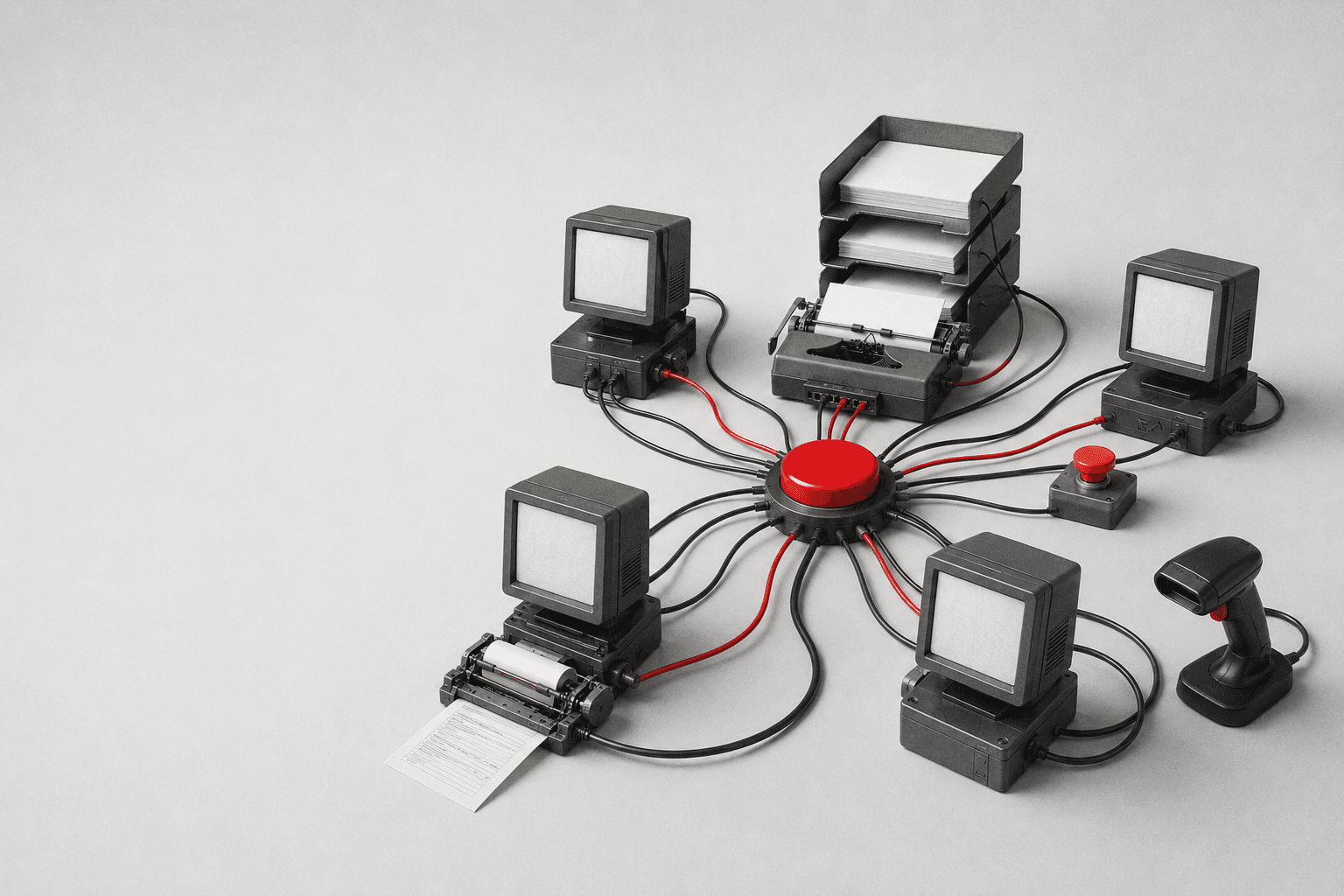
AI AGENT ORCHESTRATION
Multi-agent architectures are useful when different specialists genuinely need separate instructions, tools, permissions or evaluation.
Manager agent can call: Research specialist · Data specialist · Drafting specialist · Validation specialist
Useful when one runtime should own the final result while specialists handle bounded tasks.
Triage routes to: Sales · Support · Billing
Useful when the specialist should take responsibility for the next part of the interaction.
Do not create five agents when five functions would do.
NO MODEL REQUIRED
Do not use AI to decide
Is order total > £500?
Userule
Do not use AI to decide
Has invoice already been processed?
Usedatabase lookup
Do not use AI to decide
Which salesperson owns Tunisia?
Userouting table
AI may help
What type of commercial request is described in this free-text message?
Useclassification
AI may help
Which existing knowledge article is semantically closest to this support question?
Useretrieval / embeddings
Models are useful for ambiguity. Code is better for facts the system already knows.
REAL OJC SYSTEM
This system enriches structured content while keeping the database, processing state and resulting records inspectable.
Record created / changed → queue → worker / workflow → AI enrichment → validation → structured result → database update → downstream publishing / search use.
The architecture discusses queueing, retry, structured outputs, pgvector / semantic similarity where used, validation, processing status and auditability.
Supabase — automatic embeddings with pgvector, queues, Edge Functions and scheduled processing →

PERMISSIONS
A workflow that only needs to read customer data should not automatically receive permission to delete it.
Expose only the actions required by the workflow or agent.
Separate testing from production where the consequences justify it.
API keys and credentials belong in secure connection or secret management, not inside prompts.
Important side effects should be traceable to the workflow, tool call or user approval that caused them.
The problem is not that an agent can use tools. The problem is giving it tools without designing the boundaries.
AUTOMATION COST
Build
Mapping, integration and implementation.
Execution
Workflow runs, API calls and infrastructure.
Model
Tokens, embeddings, image / audio processing or other AI consumption.
Data
Database, storage, queues and retrieval.
Maintenance
APIs change. Business rules change. Workflows need ownership.
Failure
The cost of duplicates, missed actions or incorrect automation.
The cheapest workflow is not cheap if nobody can safely maintain it.
OJC LABS PROCESS
Map how the work happens today.
Identify triggers, inputs, rules, actions and exceptions.
Decide which system owns each important record.
Workflow, AI-assisted workflow, agent or RPA.
Implement APIs, webhooks, databases and required tools.
Add validation, permissions, approvals and failure handling.
Run normal, duplicate, missing-data and failure scenarios.
Monitor the system, document ownership and update it as the business changes.
PROJECT INPUTS
Start with the work your team is doing repeatedly.
What happens today?
Which applications contain the data or actions involved?
Who owns the decisions and exceptions?
What is slow, duplicated, inconsistent or difficult to track?
We translate the operating reality into the automation architecture.
CONNECTED SYSTEMS
Connect lead records, lifecycle stages, tasks and customer communication.
Explore Email & CRM →Connect conversations to qualification, support and follow-up.
Explore Messaging →Connect research, preparation, review, publishing and updating.
Explore Content Operating Systems →Connect conversions and downstream business outcomes to acquisition.
Explore Ads & Tracking →Use forms, content and application events as workflow inputs.
Explore Web & CMS →Connect catalogue, orders, payments, customers and fulfilment.
Explore E-commerce →FIELD NOTES
AI Agents vs Automation Workflows: What Actually Works
Choose model reasoning or deterministic workflow logic according to the task.
Read the guide →Best n8n Workflows for Business Automation
Identify repeatable processes with useful triggers, actions and exception paths.
Read the guide →How to Build an AI Automation System
Structure inputs, outputs, validation and human review around an AI step.
Read the guide →How to Build an AI Content Pipeline
Plan the stages between content intake, AI processing, review and publishing, including recovery when a step fails.
Read the guide →Automating Blog Publishing with APIs
Connect approved content to your CMS through supported interfaces while preserving metadata and editorial checks.
Read the guide →Internal Linking SEO Strategies That Actually Work
Connect enrichment and publishing automation to the editorial and SEO layer around it.
Read the guide →OFFICIAL DOCUMENTATION

FAQ
Business automation uses software to move information, apply rules and perform repeatable actions between systems with less manual work. It can include deterministic workflows, AI-assisted steps, agents or interface automation depending on the process.
Workflow automation follows a defined process from a trigger through rules and actions. It works best when the path is predictable enough to describe in advance.
An AI agent is a model configured with instructions and permitted tools so it can decide which actions to use for a task. It still needs boundaries, state, permissions and failure handling around those actions.
They solve different problems. n8n can run deterministic workflows and can also orchestrate AI steps or agent tools. If the process can be described reliably with rules, an agent may add unnecessary cost and uncertainty.
In a workflow, the developer largely determines the path. In an agentic system, the model may decide which permitted tools or actions to use at runtime. Many production systems combine both.
Yes when the relevant APIs, integrations or tools are available and the required permissions can be granted safely. The agent does not magically gain access to the systems; those capabilities must be explicitly connected.
Usually not. Multiple agents are useful when separate roles genuinely need different instructions, permissions, tools or evaluation. Creating several agents for work that could be handled by functions or one workflow only adds complexity.
That is not how OJC Labs designs production automation. Some bounded processes can run without intervention, but important exceptions, permissions and high-impact decisions should retain an appropriate human owner.
Sometimes. RPA or computer-based automation can interact with a user interface when an API is unavailable, but it is generally more fragile and should be used deliberately.
It depends on the number of systems, integration methods, process complexity, AI usage, data architecture, permissions, exception handling and ongoing operational requirements. OJC Labs defines the architecture before estimating the implementation.
NEXT STEP
Bring us the trigger, the current tools, the repeated actions and the exceptions your team handles today. We will determine what should remain deterministic, where AI can help and where a person should stay in control.